
Moonybaby Baby Products Brand

Moonybaby delivers ultimate peace of mind through secure, non-WiFi digital baby monitors that prioritize your child’s safety and your privacy. Engineered by the experts at iModesty Technology Corp., these advanced systems feature crystal-clear split-screen viewing and long-range connectivity to keep you connected to every corner of the nursery. Beyond their signature QuadView and Trust series monitors, the brand offers a comprehensive suite of home safety essentials, from magnetic cabinet locks to organic swaddles. Parents worldwide rely on Moonybaby for reliable, low-EMF technology that simplifies childcare while protecting the most important members of the family.

Top Moonybaby Baby Products

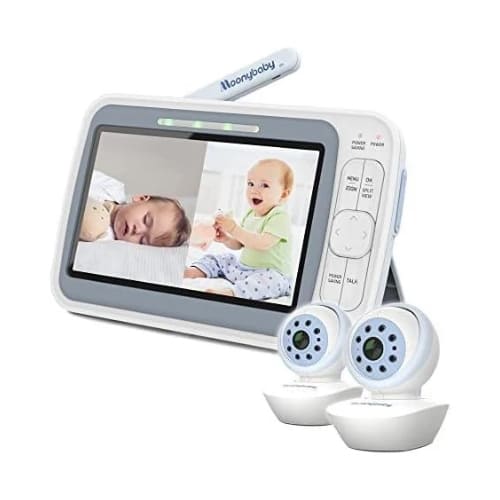
Moonybaby Split 60

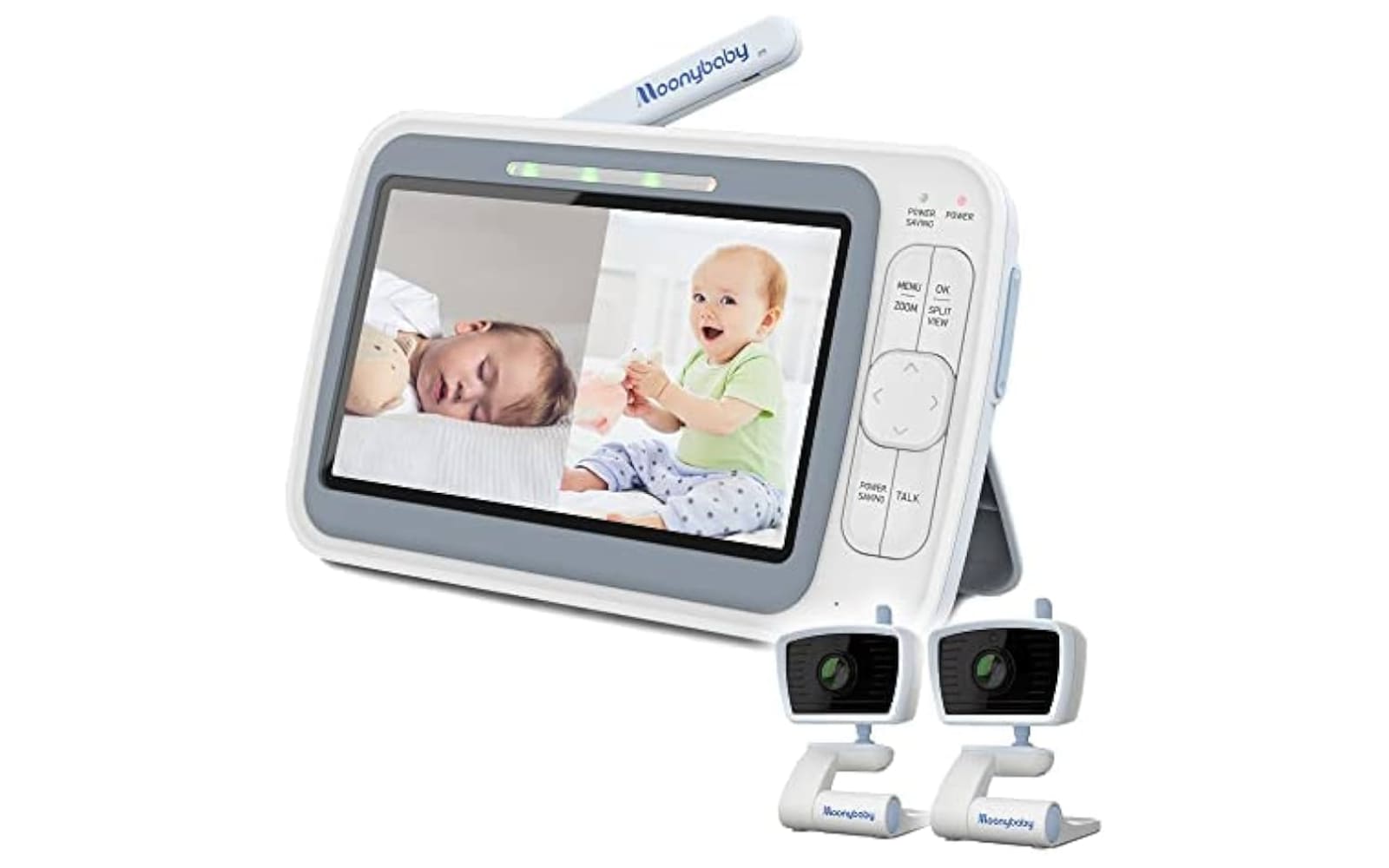
The Split 60 is a premier choice for parents of multiples, featuring a 4.3-inch large display that allows for simultaneous side-by-side viewing of two cameras without the need for WiFi.

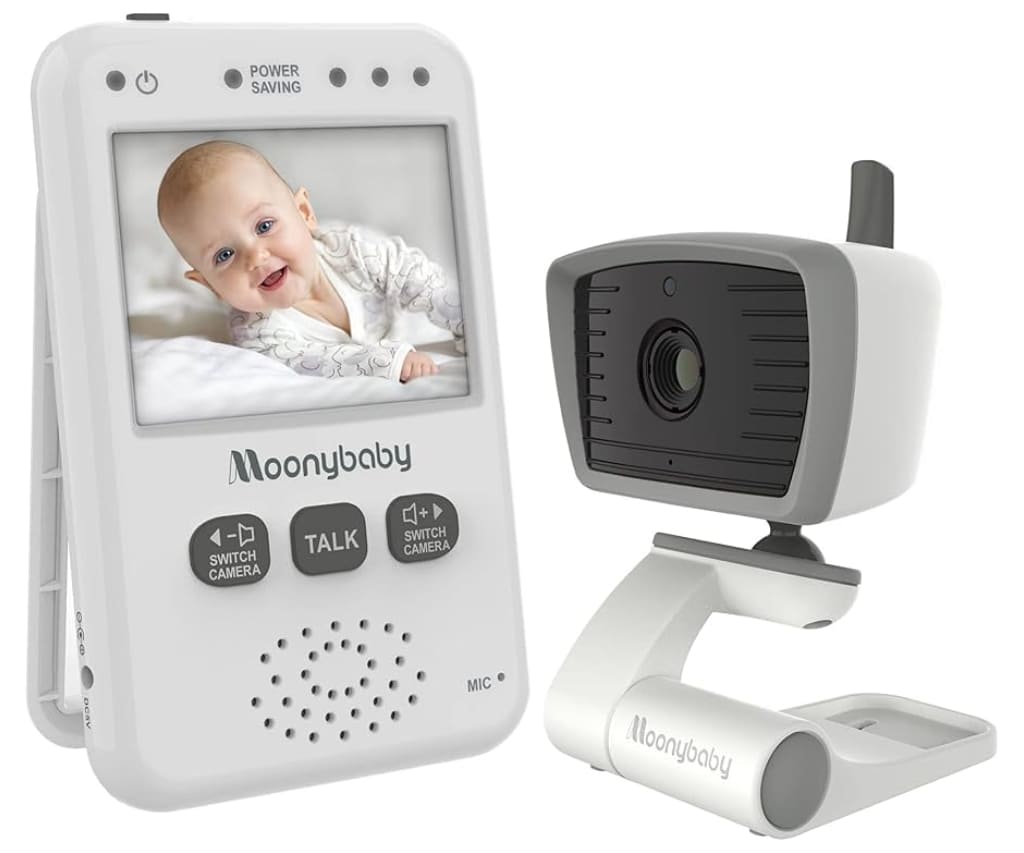
Moonybaby Trust 30

As a cornerstone of the brand’s long-range lineup, the Trust 30 offers a highly secure 2.4GHz digital connection that supports up to four cameras and provides a reliable 12-hour battery life in power-saving mode.

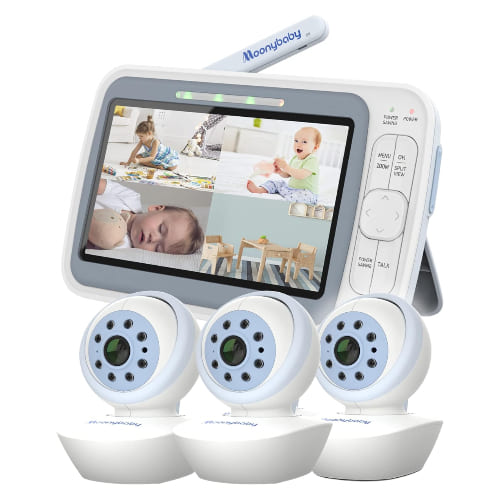
Moonybaby QuadView 60

The QuadView 60 is designed for comprehensive home oversight, utilizing a 5-inch high-definition screen that can display up to four camera feeds at once or automatically cycle through different rooms.

Moonybaby delivers high-tech, reliable security for your nursery without the risks of internet connectivity, ensuring your family’s privacy remains absolute. Their signature non-WiFi systems offer parents a “plug-and-play” experience with advanced features like split-screen viewing and extended range that keep you connected to your little one from anywhere in the home.
Product Categories

Moonybaby offers a specialized selection of electronics designed to provide clear, continuous, and secure oversight of your child’s environment.

Video Baby Monitors

The brand’s primary focus is on digital video monitors that use 2.4GHz FHSS technology to provide a private, hack-proof signal with features like pan-tilt-zoom cameras, 15-hour battery life, and automatic night vision.

Customer Experiences

Sarah Jenkins

“After researching dozens of monitors, I chose the Moonybaby Split 50 for my twins’ nursery, and it has been a total lifesaver for our daily routine. The split-screen feature is incredibly clear, allowing me to see both cribs at once without constantly toggling between channels, and the 1000-foot range actually works even when I’m out in the backyard. I was particularly impressed by the ‘Lost Link’ alert which saved me one night when the power went out in the nursery, and the fact that it doesn’t use WiFi gives me such peace of mind regarding our home’s digital privacy.”

David Miller

“I recently upgraded to the Moonybaby QuadView system because we needed to monitor three different rooms, and the setup couldn’t have been simpler right out of the box. The night vision is surprisingly crisp, allowing me to see even the smallest movements in total darkness, and the two-way talk feature lets me soothe my toddler back to sleep without having to physically walk into his room and risk waking him up fully. The battery life is the real winner here, as I can carry the parent unit around all evening without worrying about finding a charger until I head to bed.”

Elena Rodriguez

“As a first-time mom, I was very nervous about EMF emissions, so I specifically sought out Moonybaby’s low-EMF models for our home. The ECO mode is fantastic because the screen only wakes up when it detects sound, which not only saves the battery for nearly 15 hours but also keeps the nursery environment as natural as possible. We’ve been using the Trust series for six months now, and even after my son accidentally dropped the parent unit on our hardwood floors, the device continued to work perfectly, proving how durable these units are built for real-life parenting.”

Moonybaby FAQ

How do I pair a new camera to my Moonybaby monitor?

To add an additional camera, navigate to the menu on your parent unit and select an unpaired camera slot (1–4); once the pairing message appears on the screen, press and hold the “Pairing” button on the back or bottom of the camera for 3 seconds until the video feed automatically appears.

Does Moonybaby require a WiFi connection or a mobile app?

No, Moonybaby monitors use a private 2.4GHz FHSS digital wireless connection that works independently of the internet, ensuring your video feed cannot be hacked and will continue to work even if your home WiFi goes down.

Why is my monitor screen turning off automatically?

Your monitor is likely in ECO or Power Saving mode, which shuts off the screen to conserve battery when the nursery is quiet; the screen will automatically wake up and alert you the moment the camera detects sound above your preset sensitivity level.

How long does the battery last on a single charge?

Most Moonybaby models provide approximately 6 to 8 hours of continuous video streaming, but this can be extended up to 12 or 15 hours by utilizing the ECO mode/Power Saving settings.

Can I view two cameras at the same time?

Yes, if you have a “Split” or “QuadView” series model, you can use the dedicated Split View button to see multiple camera feeds simultaneously on a single screen without having to manually switch between channels.

What should I do if the monitor displays a Lost Link message?

First, ensure the camera unit is plugged into a power source and turned on; if the issue persists, move the parent unit closer to the camera to rule out range interference, or check if the monitor is stuck in “Scan Mode” trying to find a camera that isn’t currently powered.

Moonybaby Non-Wifi Baby Monitor Split Screen with 2 cameras: Split 55 & Split 60